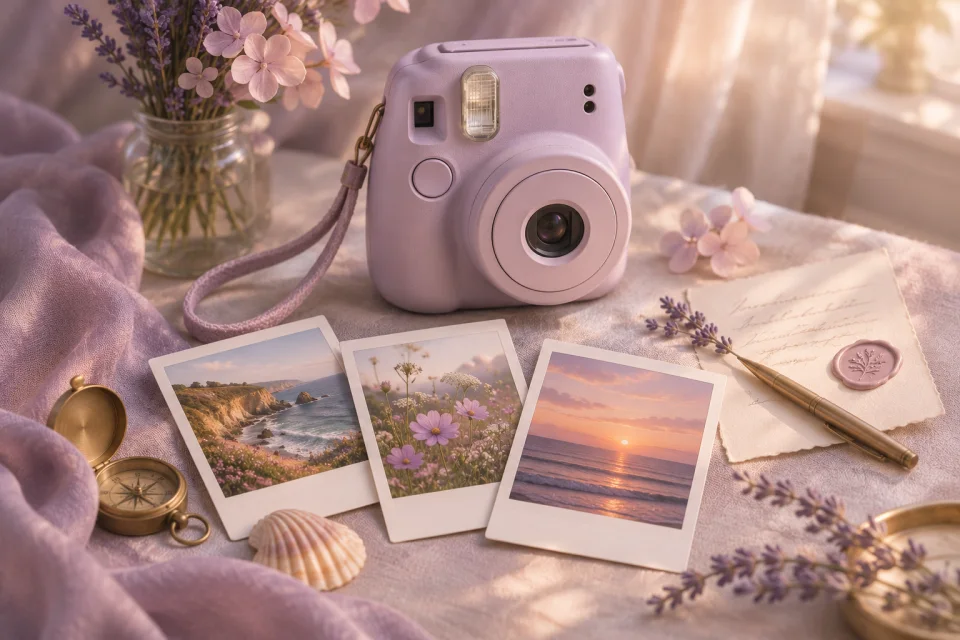
Polaroid
Give your favorite snapshots a little context with the stories that happened outside the frame.
Use this templateThe story behind the photograph
A picture remembers what happened. Your words remember how it felt. Bring the two together in a personal page made to be opened and read.
Find a place for your words
Give your favorite snapshots a little context with the stories that happened outside the frame.
Use this template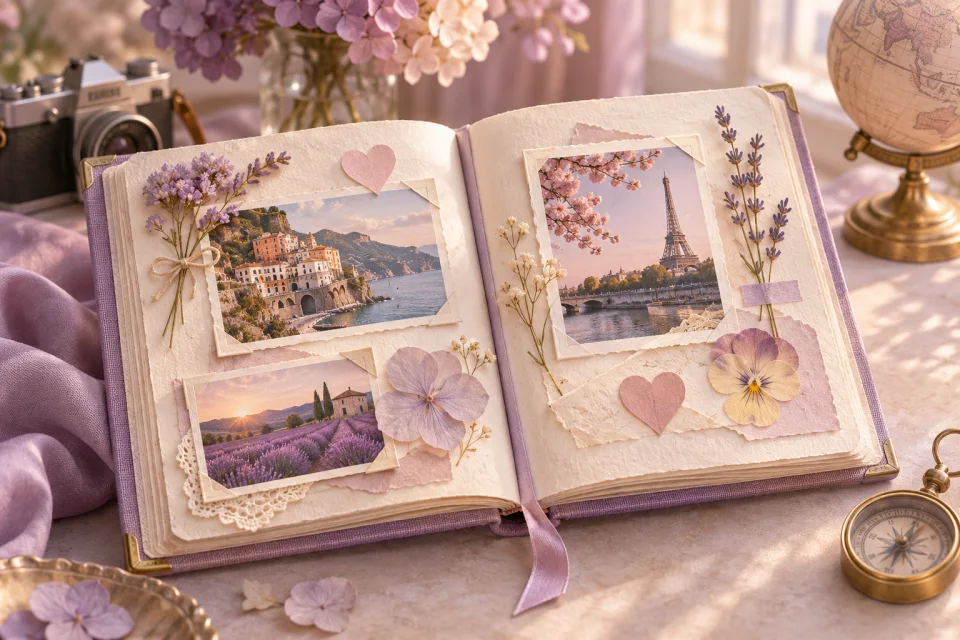
Bring a chapter of your life together in a book-inspired page of photographs and words.
Use this template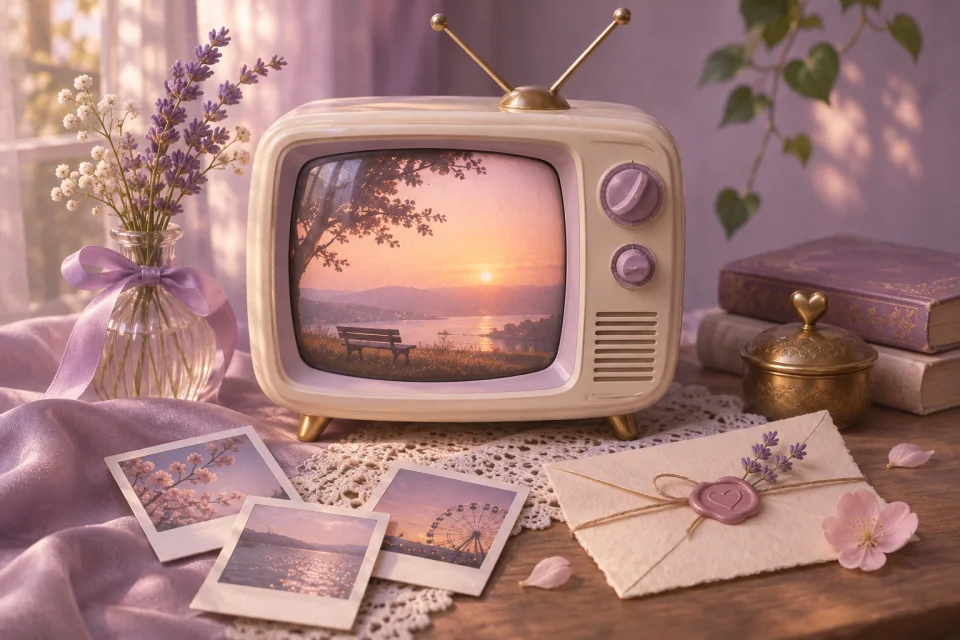
Look back through favorite photographs with the warm feeling of an old television replay.
Use this templateA little help with the words
Start with a theme: a day out, a year of friendship, the story of how you met or a collection of ordinary moments. A theme makes it easier to choose what belongs. You do not need the sharpest or most flattering pictures; choose the ones that bring a specific feeling or memory back.
For each photo, write what the image cannot explain. What happened just before it was taken? What did someone say? Why do you still remember that moment? Those details turn a gallery into a photo letter. Even one photograph can carry a thoughtful message when you give it enough context.
Preview the page after adding your pictures. A wide group photo and a close-up portrait may crop differently, so make sure important faces remain visible. Letter4U compresses photos for sharing; keep the original files somewhere you control if you want full-resolution copies.
From an idea to a shared page
Try a Polaroid layout, a memory book or a retro slideshow. Open the preview and choose the visual rhythm you like.
Upload your selected photos and write the story behind them in your message. Use only pictures you have permission to share.
Look through the preview, check image crops and spelling, then sign in to publish and share the link with your recipient.
Before you begin
Photos are resized and compressed for the published page. Keep your original files separately; this service is not a full-resolution photo backup.
Yes. One meaningful image and a thoughtful message can be enough. The editor shows the photo fields available for your selected template.
Published pictures are part of your page. Anyone who can open that page can see them, so only upload photos you are comfortable sharing with its viewers. Optional PIN protection adds a server-checked gate.
Your memories and your words are the part that matters.
Make a photo letter