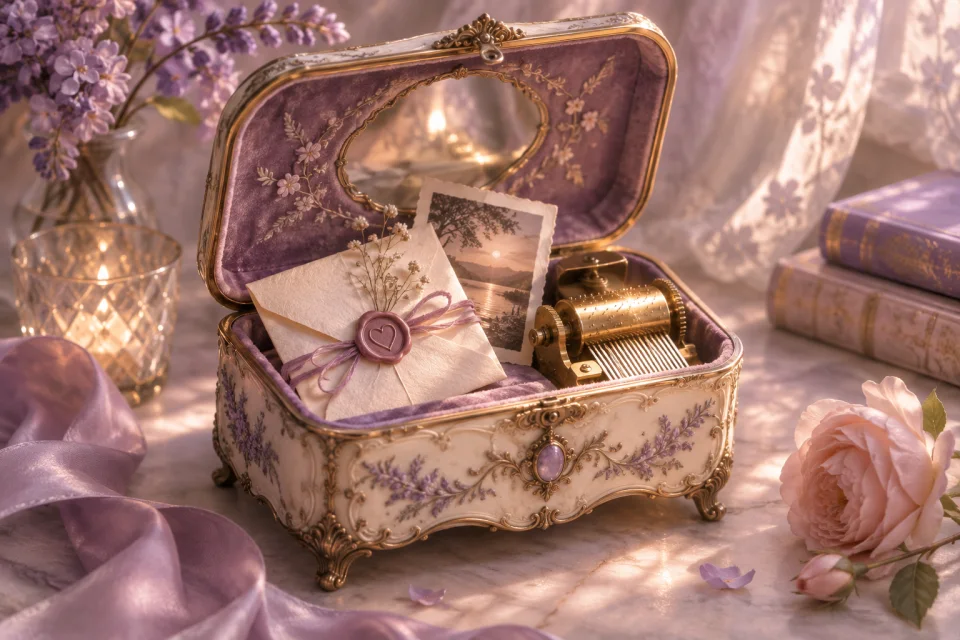
Music Box
Pair a meaningful melody or short recording with a photograph and a personal letter.
Use this templateA few words, and the song that says the rest
The song from a first drive. The one you always sing badly together. Add a familiar soundtrack to a page filled with your words and memories.
Find a place for your words
Pair a meaningful melody or short recording with a photograph and a personal letter.
Use this template
Set a shared memory beneath a movie-night sky and add an optional song or video link.
Use this template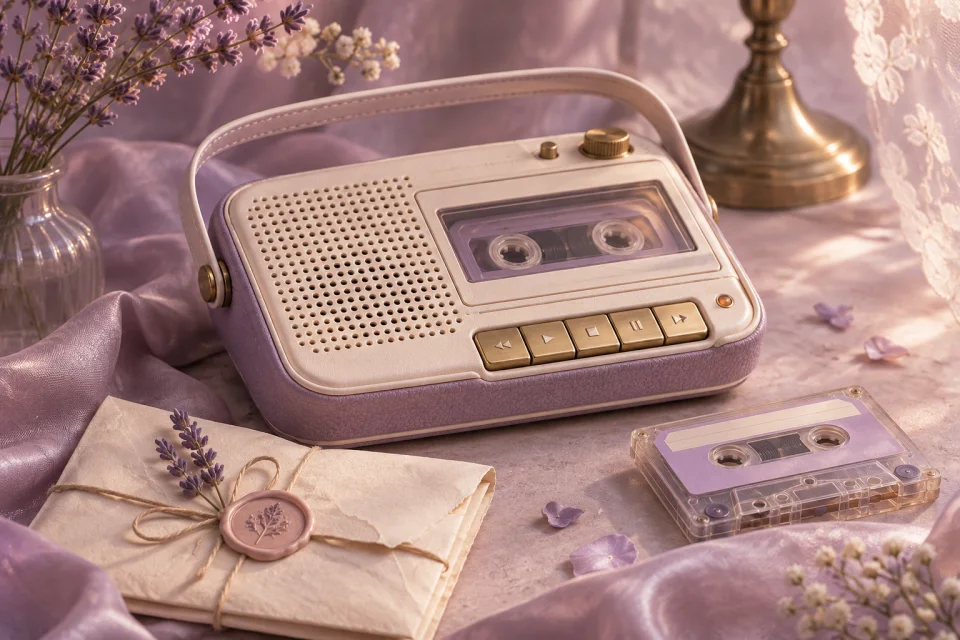
Let a short recording add your own voice to a message and the photos that go with it.
Use this templateA little help with the words
Choose a song for the memory it holds, not because its title sounds romantic. It might remind you of a particular place, a shared joke or a season of your relationship. Explain that connection in the letter so the person reading knows why you chose it.
Write a message that still feels complete without sound. Your recipient may open the page at work, on a train or somewhere they cannot play music. A sentence such as “When you have a quiet moment, play the song below” gives them an invitation without making audio necessary to understand your words.
You can use a YouTube link or upload a short audio file you have permission to share. Supported uploads are MP3, OGG, WAV and WebM, up to 500 KB. Playback starts only when the viewer chooses it. YouTube videos depend on the provider, owner and viewer’s location, so preview your selection before sharing.
From an idea to a shared page
Preview a music box, an outdoor theatre or a voice-box-inspired page. Pick the design that matches the memory.
Write your letter, add photos if you like, and upload a short audio clip or add a YouTube link. Explain why the sound or song matters to you.
Check the page and the optional player, then publish. Your recipient decides when to press play; an external YouTube player loads only after they choose it.
Before you begin
You can upload an MP3, OGG, WAV or WebM audio file up to 500 KB, or add a YouTube link. Only upload audio you have permission to share. Spotify playback is not available in this launch.
Loading an embedded player connects the browser to YouTube. Asking first gives your recipient control over that connection and over when sound plays.
Video availability is controlled by YouTube and the uploader. Sign in to edit your page and replace the link if a video is removed, restricted or no longer embeddable. The letter itself can still be read without music.
Your memories and your words are the part that matters.
Make a letter with music