 A little inspirationTake a peek
A little page made with a lot of heart
Digital love letters,
made personal.
Turn your words, photos and favorite song into a little page just for them.
Create and preview your letter free.
A reason to make someone smile
Occasion Idea Board
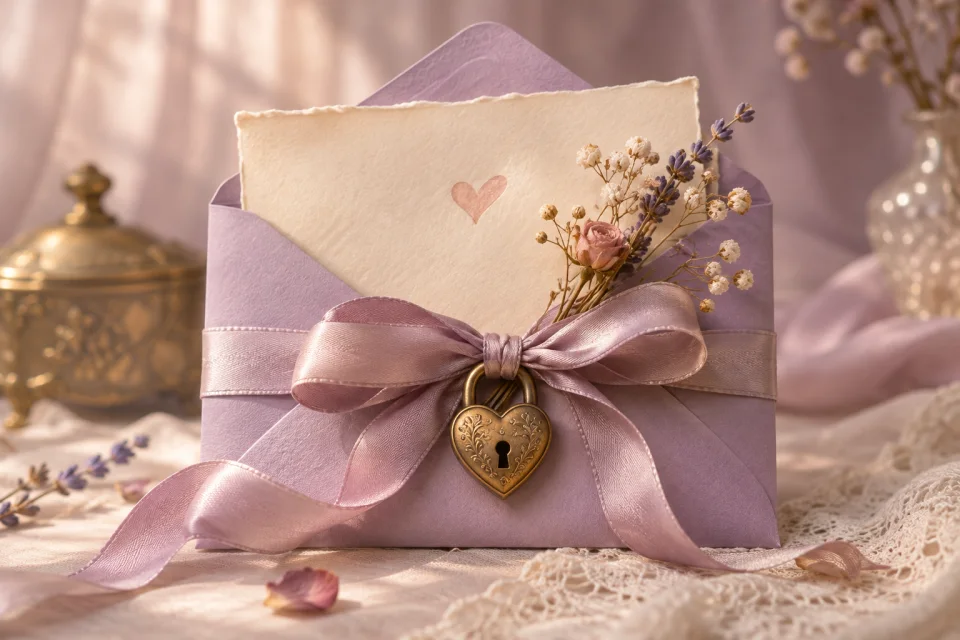
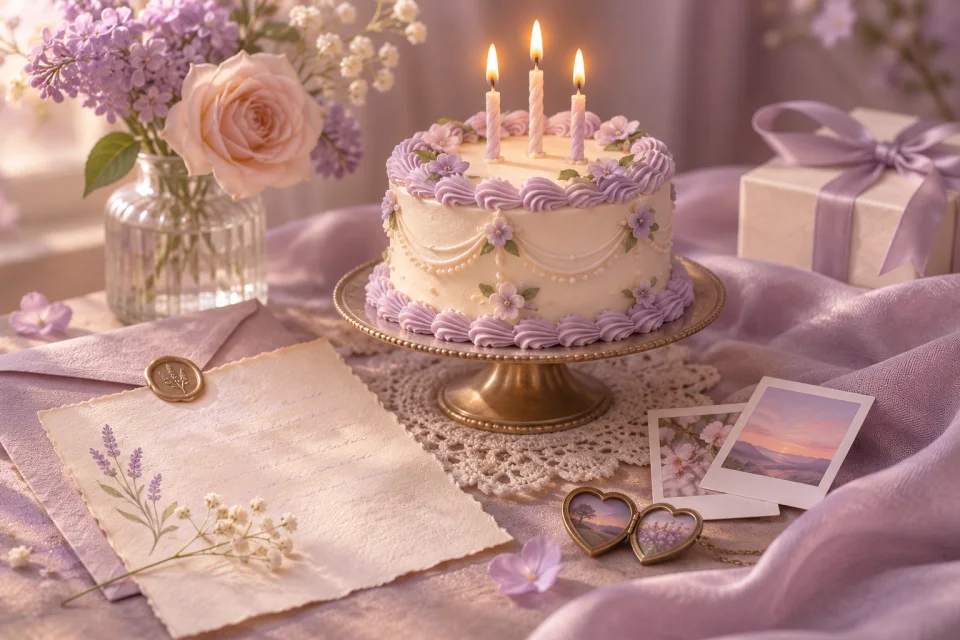
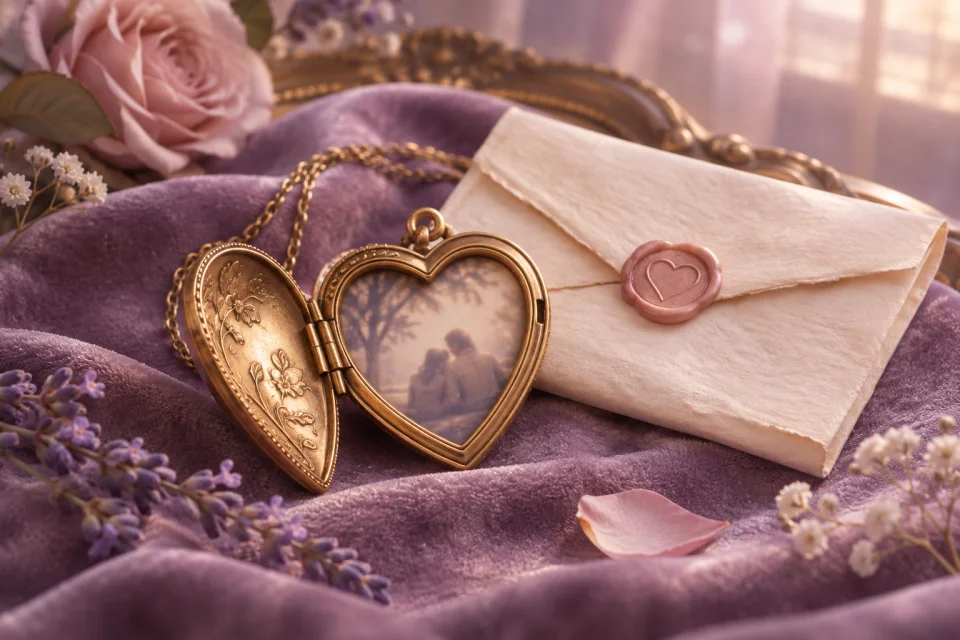
A big day, a small thank-you, or just because. Find a little inspiration for your next letter.
34 template ideas shown
A little inspirationTake a peek 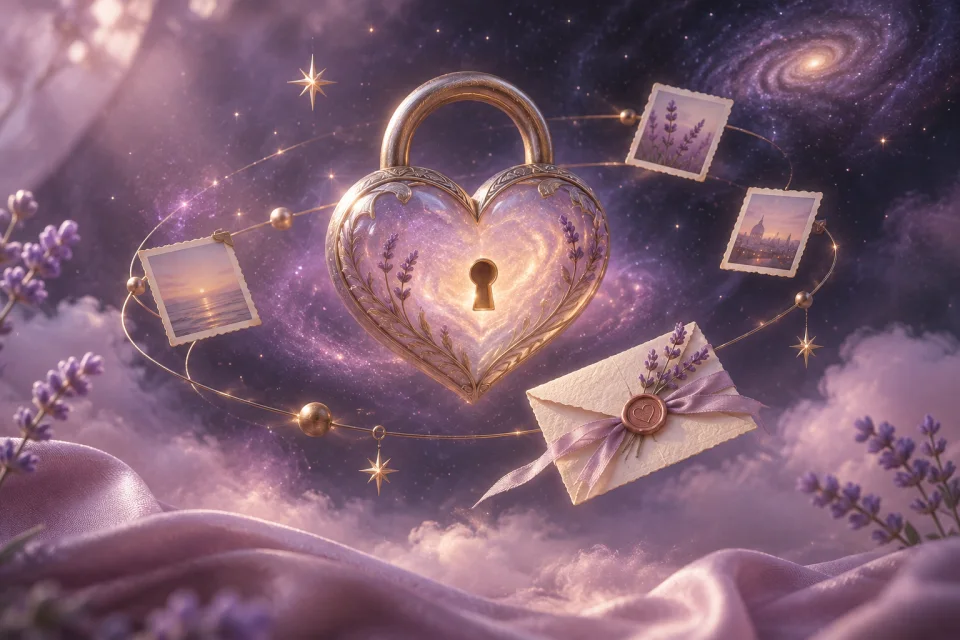 Take a peek
 Take a peek
 Take a peek
 Take a peek
 Take a peek
 Take a peek
 Take a peek
 Take a peek
 Take a peek
 Take a peek
 Take a peek
 Take a peek
 Take a peek
 Take a peek
 Take a peek
 Take a peek
 Take a peek
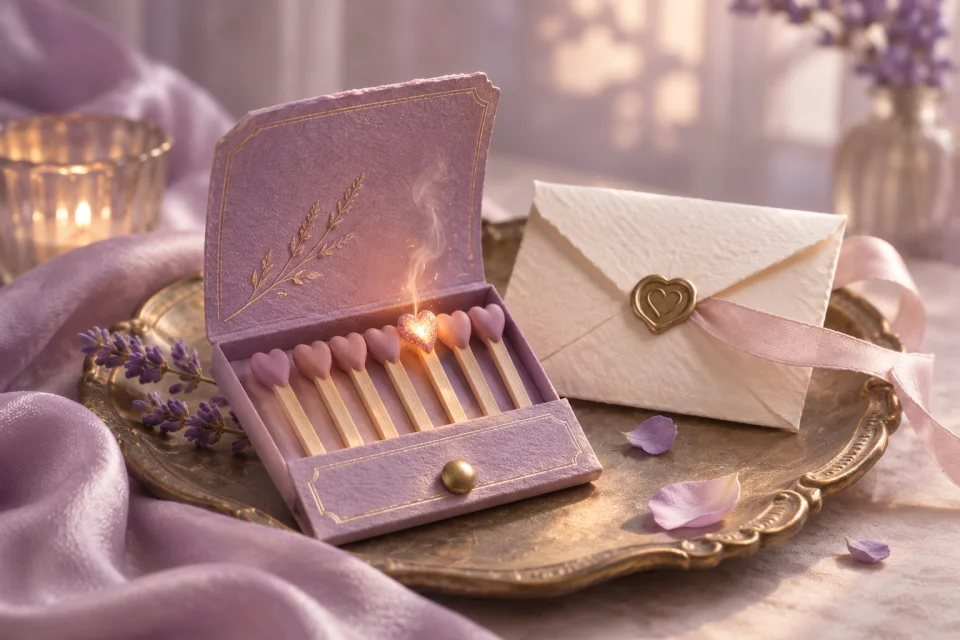 Take a peek
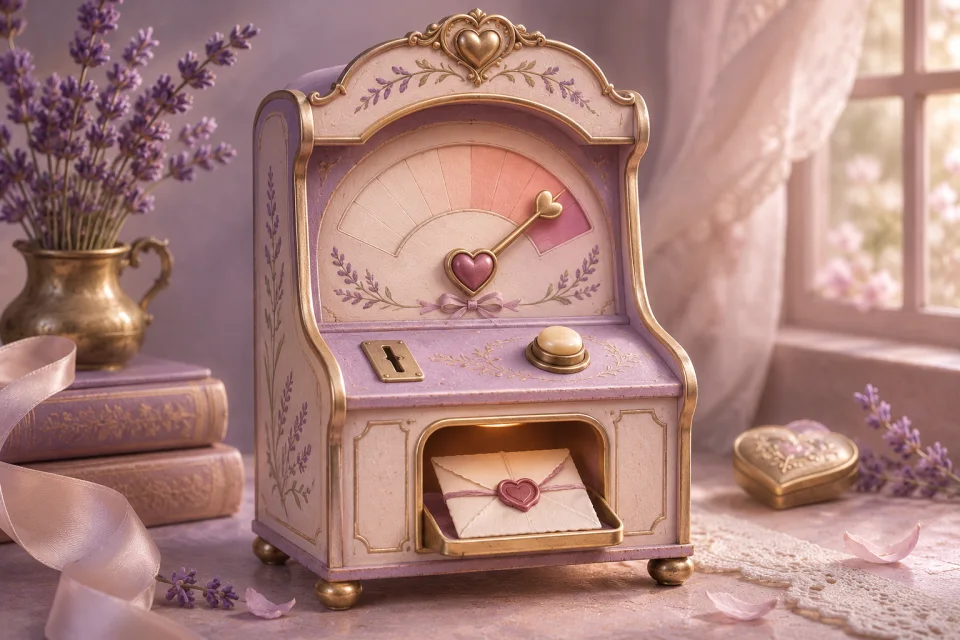 Take a peek
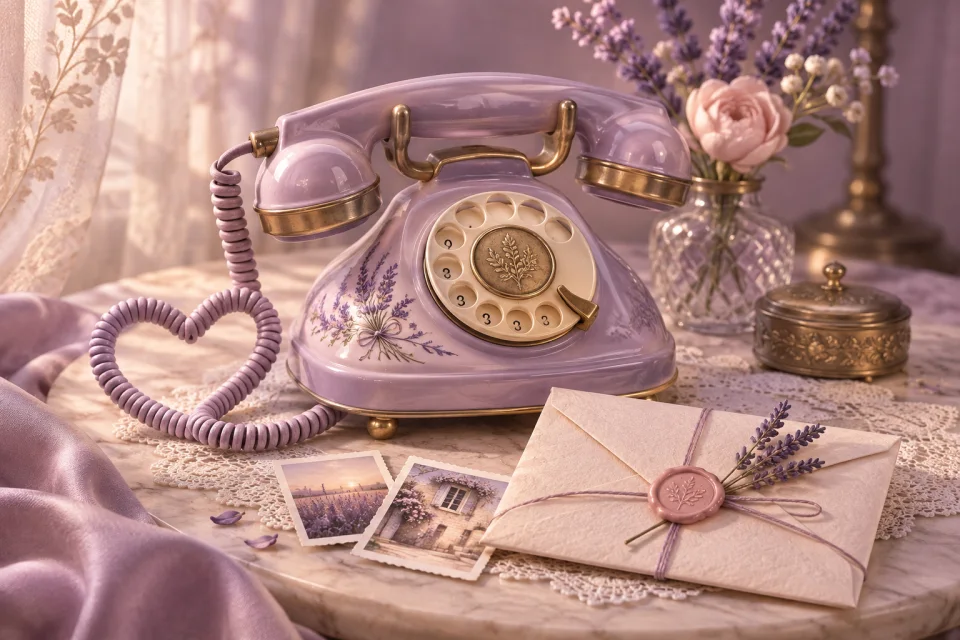 Take a peek
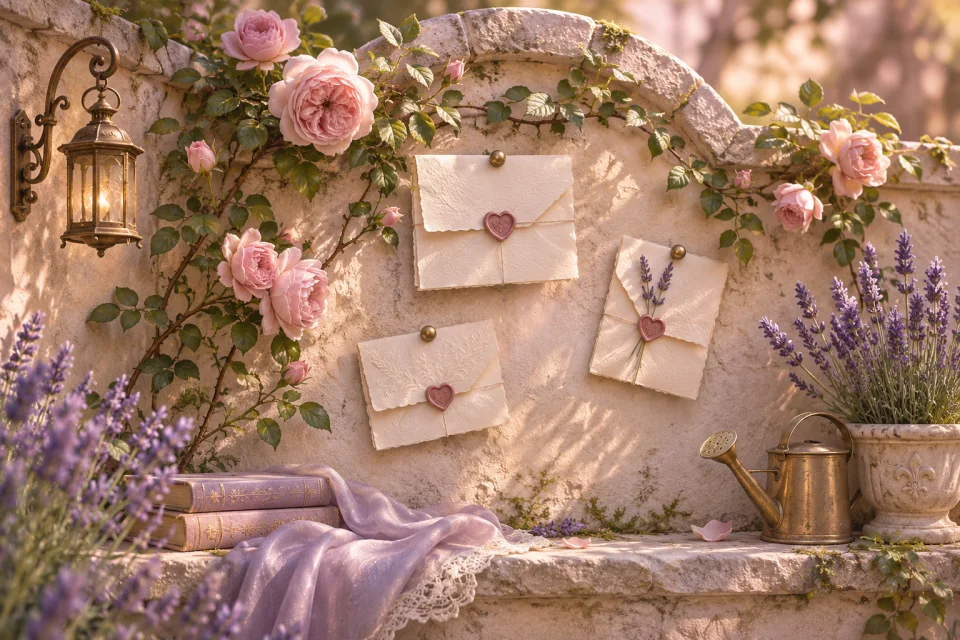 Take a peek
 Take a peek
 Take a peek
 Take a peek
 Take a peek
 Take a peek
 Take a peek
 Take a peek
 Take a peek
 Take a peek
 Take a peek
 Take a peek
 Take a peek
The best part is what you put into it. Start with a template, finish with something only you could say.
A few things you might be wondering
Your questions, answered
A little help from your first word to that final share.
What can I make with Letter4U?
A personal page with a letter, your photos and an optional song. Choose an occasion, make the words your own, then share a link with someone you care about.
Do I need to know how to code?
No. Pick a template and fill in the editor. You can preview your page as you go, so it feels right before you share it.
Can I come back to an unfinished letter?
Yes. The editor saves a draft in this browser. Return on the same device and browser to continue. Clearing your browser storage removes the local draft, so keep a separate copy of words you want to save.
Does it cost anything to create a page?
Writing, previews and browser drafts are free. See Prices for the current publishing options. One publishing credit covers one new letter; editing an existing letter does not use another credit.
Which template should I choose?
Start with the occasion or the feeling you want to share. Browse romance, celebrations, connection and seasonal ideas, or try “Surprise me.” Every template has a preview you can explore before writing.
Can I make a template feel like us?
Yes. Add your own names, message and photos, and choose the available colors and music in the editor. The template gives you a starting point; your memories make it personal.
How do I add photos?
Choose photos from your device in the editor. Images are resized and compressed before saving to keep your page light enough to share. Check the preview to make sure your favorite part of each photo is visible.
Can I add our song?
Add a YouTube link or upload a short audio clip you have permission to share. Your recipient chooses when to play it; music does not start automatically. Loading a YouTube player connects their browser to YouTube.
Who can read a page I publish?
An unprotected page can be opened by anyone who has its link, so share it thoughtfully. Your letters are not included in the public template board. A link can still be forwarded by its recipient.
Can I protect a letter with a PIN?
Yes. Set an optional PIN before publishing and tell your recipient separately. The server checks the PIN before returning your letter. A short PIN is an extra barrier, so avoid putting highly sensitive information in a shared page.
Do I need an account to publish?
You can explore templates and start writing before signing in. Sign in when you are ready to publish, so your page is connected to your account and you can manage it later.
Can I change or delete a published page?
Open “My pages” while signed in to manage pages you created. You can edit a page and save your changes, or delete it when you no longer want its link to work.
Still have a question? We’re here to help