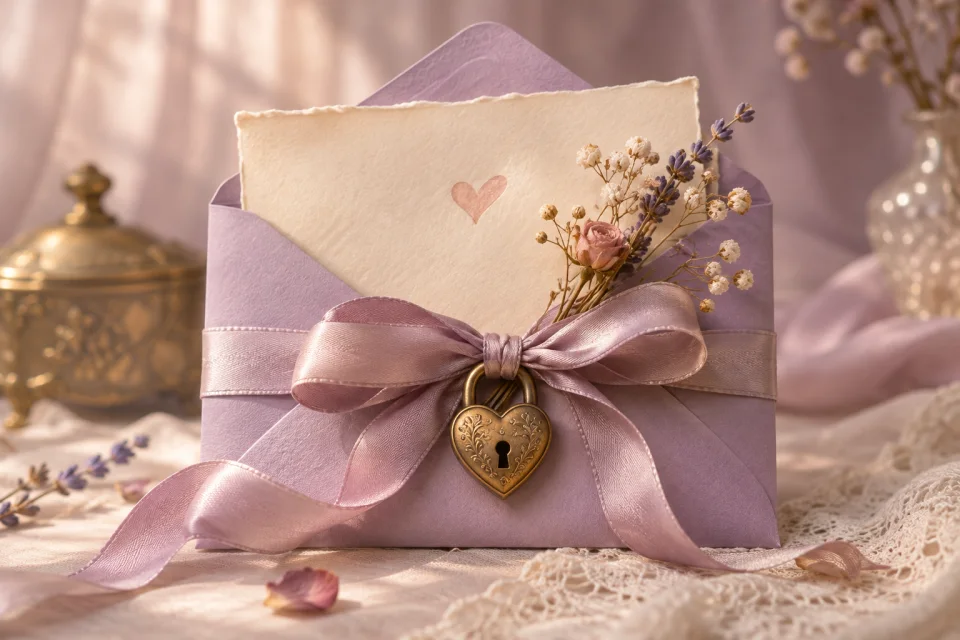
Love Letter
Give a heartfelt note a quiet opening, with your own words, photos and an optional PIN.
Use this templateA letter they can open anywhere
Some things deserve more space than a message bubble. Give your words a page of their own, with a few favorite memories and a song that brings them back.
Find a place for your words
Give a heartfelt note a quiet opening, with your own words, photos and an optional PIN.
Use this template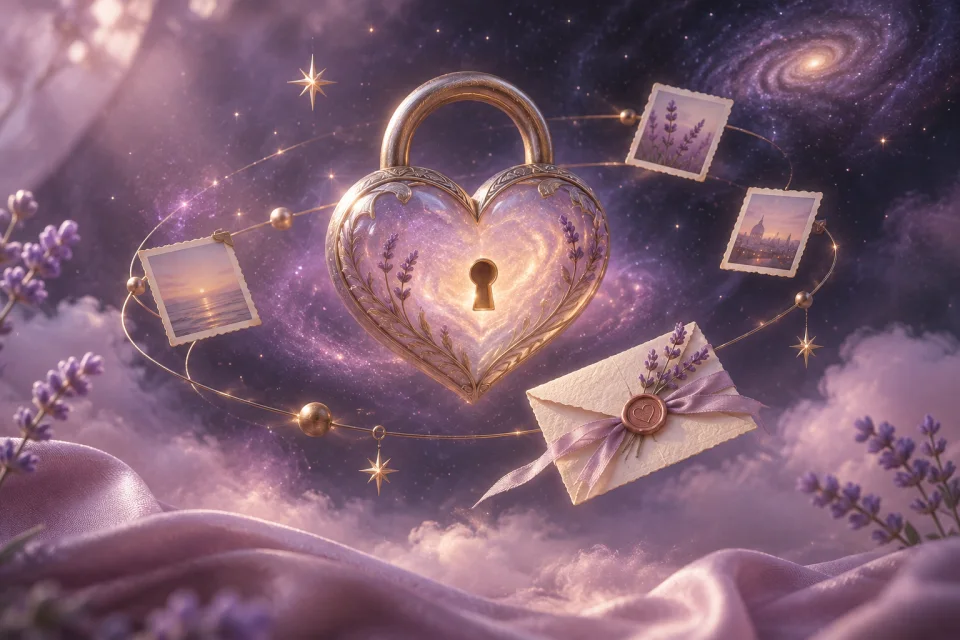
Set your letter among the stars and gather a few memories from your own little universe.
Use this template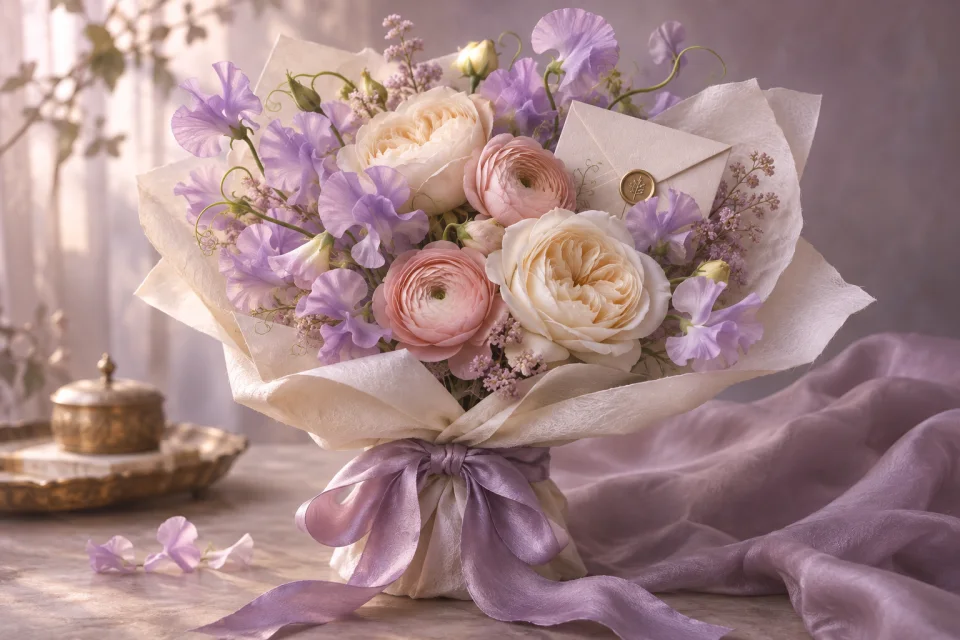
Pair a flower-inspired page with the words you would tuck into a handwritten gift note.
Use this templateA little help with the words
A digital love letter is a personal message presented on a web page. Unlike a text that disappears into a long conversation, it gathers your letter, pictures and optional music in one place. Your recipient opens a link in their browser; there is no app to install.
Start with something specific: the ordinary afternoon you keep remembering, a small kindness you noticed, or the way they make a difficult day easier. A sentence that could only be about this person will mean more than a page of polished phrases. You do not need to sound like a poet.
Choose two or three memories, then give each one a little room. Write what happened, why you remember it, and what it says about the person you love. Finish with something you are looking forward to together. Read it aloud once before sharing; if a line sounds unlike you, simplify it.
From an idea to a shared page
Preview a letter, a galaxy or a bouquet. Pick a design that fits the person receiving it, then open the editor.
Add their name, your own message and meaningful photos. A favorite YouTube song is optional; the words can stand on their own.
Check your letter on a small screen, sign in to publish, then send the page link. Add an optional PIN if you want an extra barrier.
Before you begin
A greeting card usually begins with a ready-made message. Here, your letter is the main event. You can use the space for a longer note, photos and optional music while choosing a visual template to frame it.
Writing and previews are free. See the pricing page for current publishing options. An account is needed to publish and manage your letter.
Personal letters are not listed on the public template board. Anyone with an unprotected page link can open it, and recipients can forward links. You can add an optional PIN, which is checked by the server.
Your memories and your words are the part that matters.
Write a digital love letter