Creative experiences
AI Keepsake Museum Maker
Give a little keepsake its own exhibit.
A little inspiration
Give an ordinary object an extraordinary place.
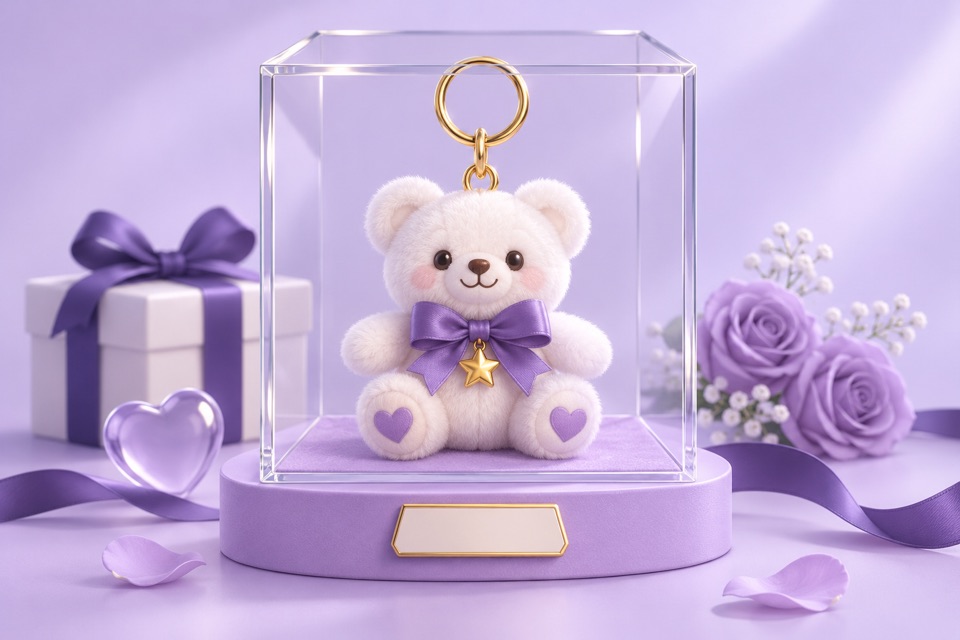
A concert ticket, a chipped cup or a handwritten note can hold a whole chapter of your life. The keepsake museum maker turns the object and the story you tell into an illustrated display case with a short museum label. Start with what it is, who it reminds you of, and the moment that made you keep it.
The ticket that stayed in a drawer
Fictional text example, written for this guide. These are ideas for the composition, not an actual AI-generated result. Your artwork will differ.
Example input
A blue paper train ticket from my first visit to my sister after she moved away. She met me at the station with two coffees. I kept it because that weekend made the distance feel smaller.
Composition idea
- Object
- A blue train ticket, displayed on its own.
- Suggested label
- A Small Distance — One paper ticket, two coffees, and a weekend that made a new city feel like family.
How to make it yours
Name the object
Describe its color, material and a detail you recognize. Explain why it matters instead of asking AI to invent a backstory.
Add a reference if you have one
One optional JPEG, PNG or WebP photo, up to 5 MB, helps show the actual keepsake. A photo is not required.
Create and review
Sign in to generate the exhibit. Check the pictured object and label, then download a share image or use the available sharing controls.
For a birthday or a family thank-you, choose one object and one specific memory. A clear photo with a simple background is more useful than a crowded collage. AI may change visual details, so review the result before giving it as a gift.
Before you create
What does the museum maker create?
An AI-generated artwork of a display case and a short label based on your story. It is a digital keepsake, not a physical exhibit or an archival copy of the object.
Does my exhibit appear in public stories?
Generating an exhibit does not automatically publish it to Stories. Public submission is a separate action and is reviewed. Use only words and photographs you are comfortable sharing with the AI provider.